Will it work with what we already use?
When a practice looks at an AI phone agent, the first question is rarely about the AI. It's the practical one: will this work with the software we already run the front desk on?
It's the right question. You shouldn't have to switch the system that holds your schedule, your patients, and your day-to-day workflow just to answer your phone better. This article lists the practice systems VoxHealth connects to today, explains what "connects" actually does for your schedule, and shows you how to check your own setup.
Why the connection to your software matters
A phone agent that can't see your schedule can take a message, and that's useful. But the real payoff comes when the agent connects directly to the system your front desk already uses.
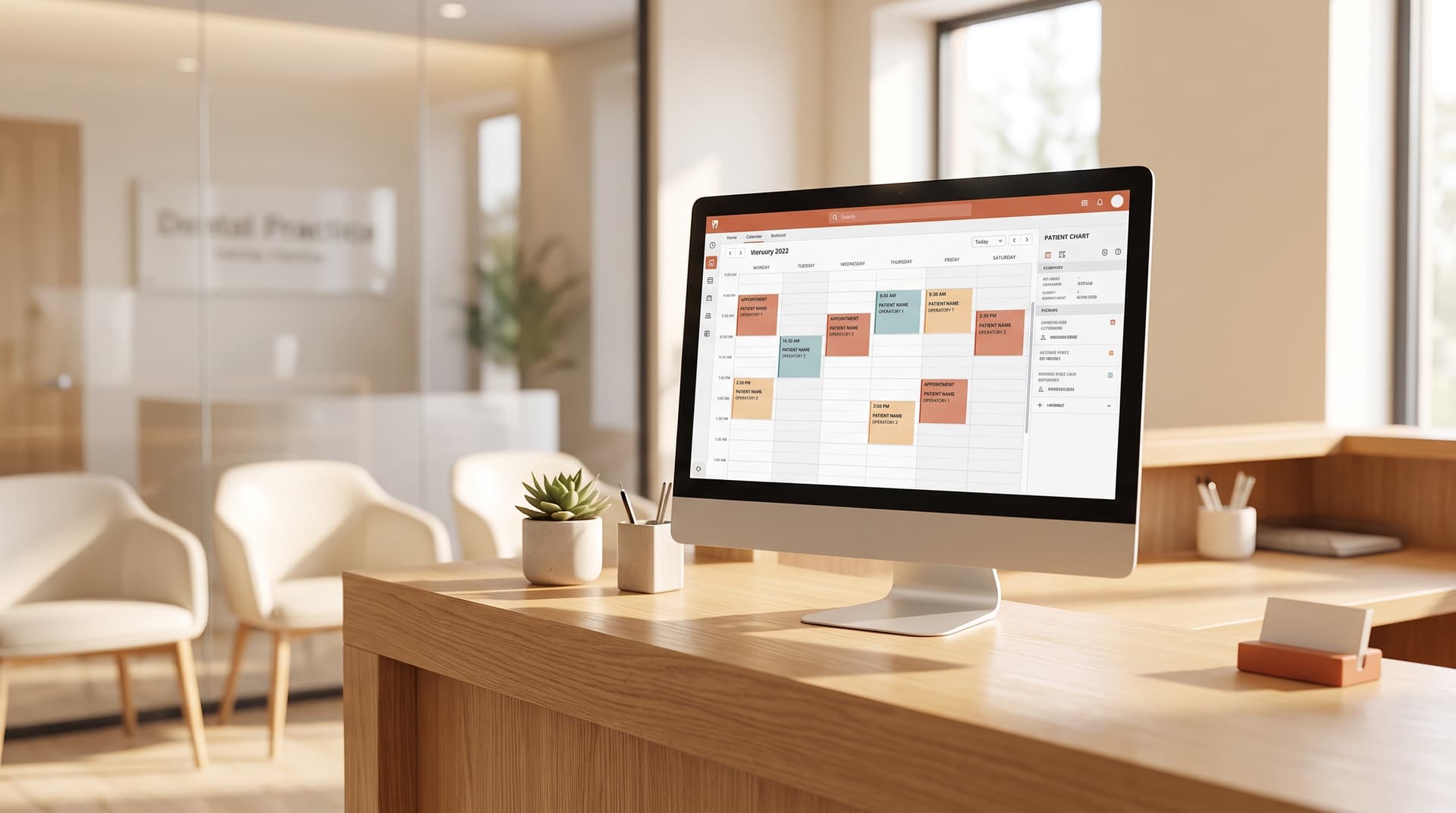
With a live connection, the agent reads your actual availability and writes the appointment straight into your calendar. Without one, it can still answer calls and capture clean requests, but someone on your team has to key those into your system afterward. The connection is the difference between "the agent booked it" and "the agent wrote it down for you to book." Both help. One saves more time.
The systems the agent works with today
VoxHealth integrates with almost every practice management system in use across dental, dermatology, and veterinary practices. Here's the current list.
Dental: Dentrix, Dentrix Enterprise, Open Dental, Eaglesoft, Curve, Denticon, Practice-Web, ABELDent, Dolphin, OrthoTrac, and WinOMS.
Dermatology: ModMed and ezDerm.
Veterinary: ezyVet, Cornerstone, and AVImark.
On top of that, the agent can connect to electronic health record systems that support modern healthcare data standards, which covers a wide range of platforms across specialties. The practical answer for almost every practice we talk to is yes – a direct, live connection to your schedule is available today.
What connecting actually does for your schedule
A live connection isn't an abstract feature. Here's what it changes on a normal call.
When a patient calls to book, the agent checks your real openings in your system, offers the times that are actually free, and writes the appointment in – the same slot your front desk would have booked by hand. When a patient needs to move or cancel, the change lands in your calendar directly, so the slot opens back up without anyone re-keying it. And because the agent is reading your live schedule, it won't double-book a time that filled five minutes ago.
The result is a schedule that stays accurate on its own, instead of a stack of call notes your team has to transcribe into the system at the end of the day.
How to check whether your setup is supported
You don't have to guess. Two minutes will tell you.
- Find the system of record. It's the software your front desk opens first every morning – the one that holds the schedule and patient list.
- Note the exact version or edition. Some products have a cloud edition and an older on-premise one that behave differently, so the edition matters.
- Send it to us. Tell us what you run, and we'll confirm whether a live connection is available today, or what the alternative looks like.
When a system isn't supported yet
Not every system is connected, and it's worth being straight about that.
If you run an older, niche, or heavily customized setup, a direct live connection may not be available today. That doesn't mean the agent can't help. It still answers every call, handles your practice's common questions, captures clean and complete requests, and texts the caller a confirmation – your team just adds the booking to your system. You get the call coverage now, and the live connection when it's ready.
If your system isn't one of the ones listed above, please get in touch. We build new integrations quickly, and we look forward to connecting to yours – tell us what you run and we'll get started.
Check if your software is supported
The fastest way to get a real answer for your practice is to tell us what you run.
Send us the system your front desk uses, and we'll confirm the fit – whether that's a live connection to your schedule today, or what the agent handles in the meantime.
Check your software and book a quick call at voxhealth.ai/get-started